Define one frame first
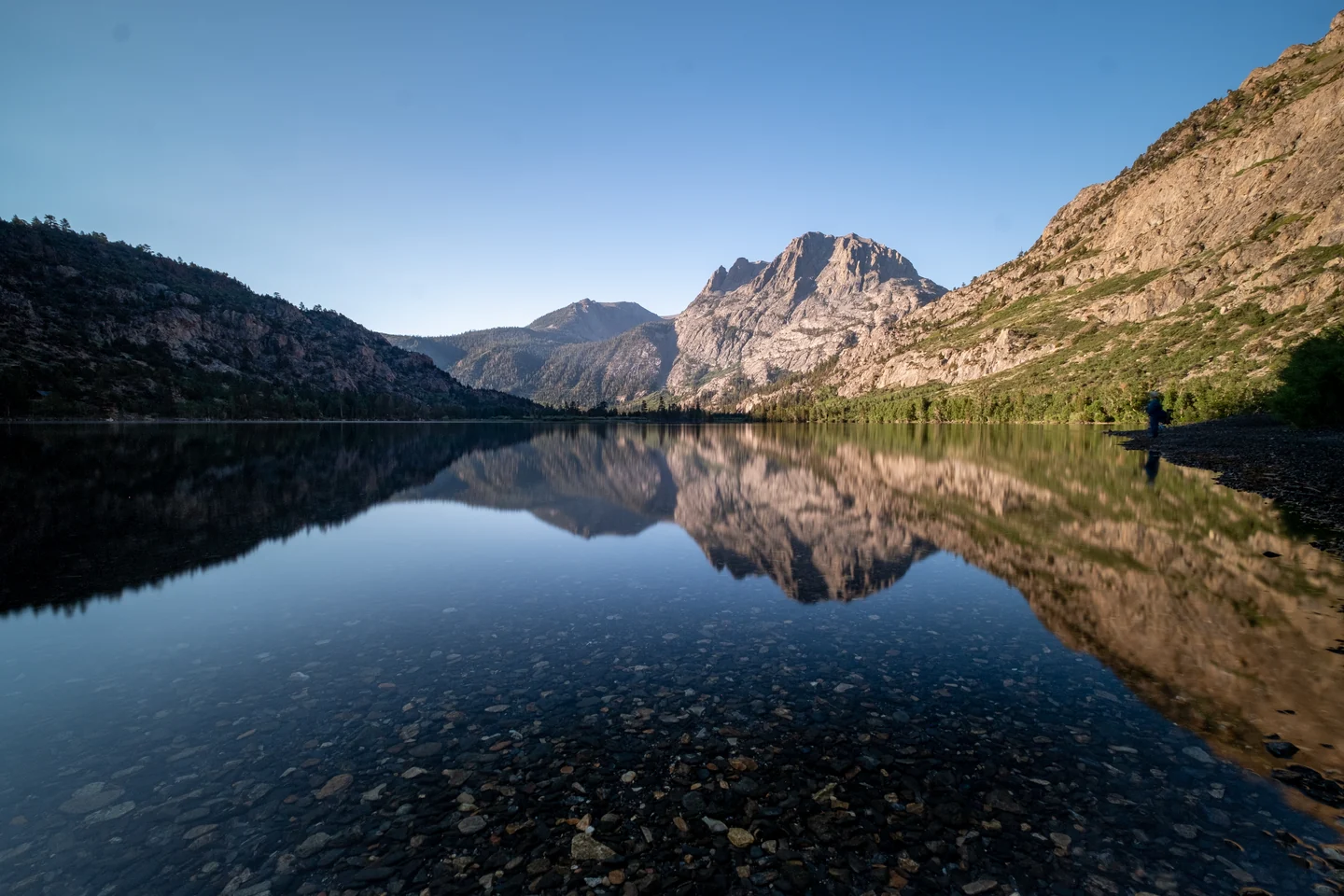
Choose the physical size of each repeated frame and decide how the photo fits within it. In this example, each landscape frame is 5 × 3.5 inches, or 127 × 88.9 mm. The photo may fill that frame with a crop or fit inside it with borders.
A 6000 × 4000 source kept whole at five inches wide occupies 5 × 3⅓ inches. Inside the 5 × 3.5 frame it leaves about 0.0833 inch above and below when centred. The picture has 1200 PPI. The frame dimensions still determine the grid footprint.
Calculate the grid footprint
Arrange two columns and two rows with a 4 mm gap. Two widths plus one gap give 127 + 4 + 127 = 258 mm. Two heights plus one gap give 88.9 + 4 + 88.9 = 181.8 mm. The grid contains four copies of the same prepared photo.
Landscape A4 is 297 × 210 mm. Subtract the grid and split the remaining space equally: the side margins are 19.5 mm, and the top and bottom margins are 14.1 mm. Those numbers describe a centred layout, not universal printer settings.
| Item | Measurement |
|---|---|
| One frame | 127 × 88.9 mm |
| Gap | 4 mm |
| Two-by-two grid | 258 × 181.8 mm |
| Landscape A4 | 297 × 210 mm |
Check both edges and every copy
For a regular grid, total width is columns times frame width plus the gaps between columns. Height follows the same rule for rows. Add the outer margins afterward. The resulting width and height must both fit the selected sheet.
Additional copies can continue onto extra sheets, and the preview reports the page count. Inspect every page and its placement count. If the grid itself is too large for the sheet, reduce its rows or columns, choose a larger supported sheet, or deliberately change the photo size.
Export the layout rather than a screenshot
Use the paper-layout PDF to preserve physical page and frame dimensions. A screenshot records screen pixels and interface scale, not a reliable physical layout. Select the same paper in the print dialog and use actual size or its equivalent.
Check the calibration mark and at least one frame before making a batch. If the print dialog fits the entire page into a smaller printable area, every copy and every gap can shrink together. Correct that setting instead of adjusting the source photo.
Save a repeatable setup
Keep the original and save the layout parameters once the measured result is satisfactory. A parameter-only project records the arrangement but needs the source photo again after reopening. If you explicitly store the original locally, remember that browser storage can still be cleared or become unavailable.
Leave enough cutting space for your actual method and inspect the first trimmed copy. The grid calculation can be exact while the physical cutting operation has its own variation. Do not promise a usable border that is smaller than you can reliably preserve.