A practical print-planning tool
Start with a local photograph or known pixel dimensions. Compare sizes, choose whether to fill a frame or keep the whole scene, and inspect the resulting PPI, crop, and borders. Arrange the result on paper when you need a physical layout.
The tool exports JPEG and PNG images, physical layout PDFs, numerical reports, and versioned project parameters. It does not print, sell frames, place lab orders, host a photo collection, or provide an account.
A local workflow
Photo processing takes place in the browser. Your selected image and filename are not sent to a remote processing service. Local projects start with parameters and source-file information; storing the original is an explicit additional choice.
No advertising or analytics scripts run in this version. The website still uses ordinary web delivery, and downloaded files remain separate copies under your control. The Privacy page explains the boundaries of local processing.
Facts and method
Photo formats are checked against first-party print catalogs. Paper dimensions come from manufacturer documentation, with ISO and JIS B sizes distinguished. Unit conversions use the exact international inch, and the numerical examples are calculated independently.
The methodology is public so you can see how fill, fit, effective PPI, and repeated layouts are derived. A source citation supports a factual input; it is not an endorsement of a supplier or a promise that every printer accepts that format.
The demonstration photograph
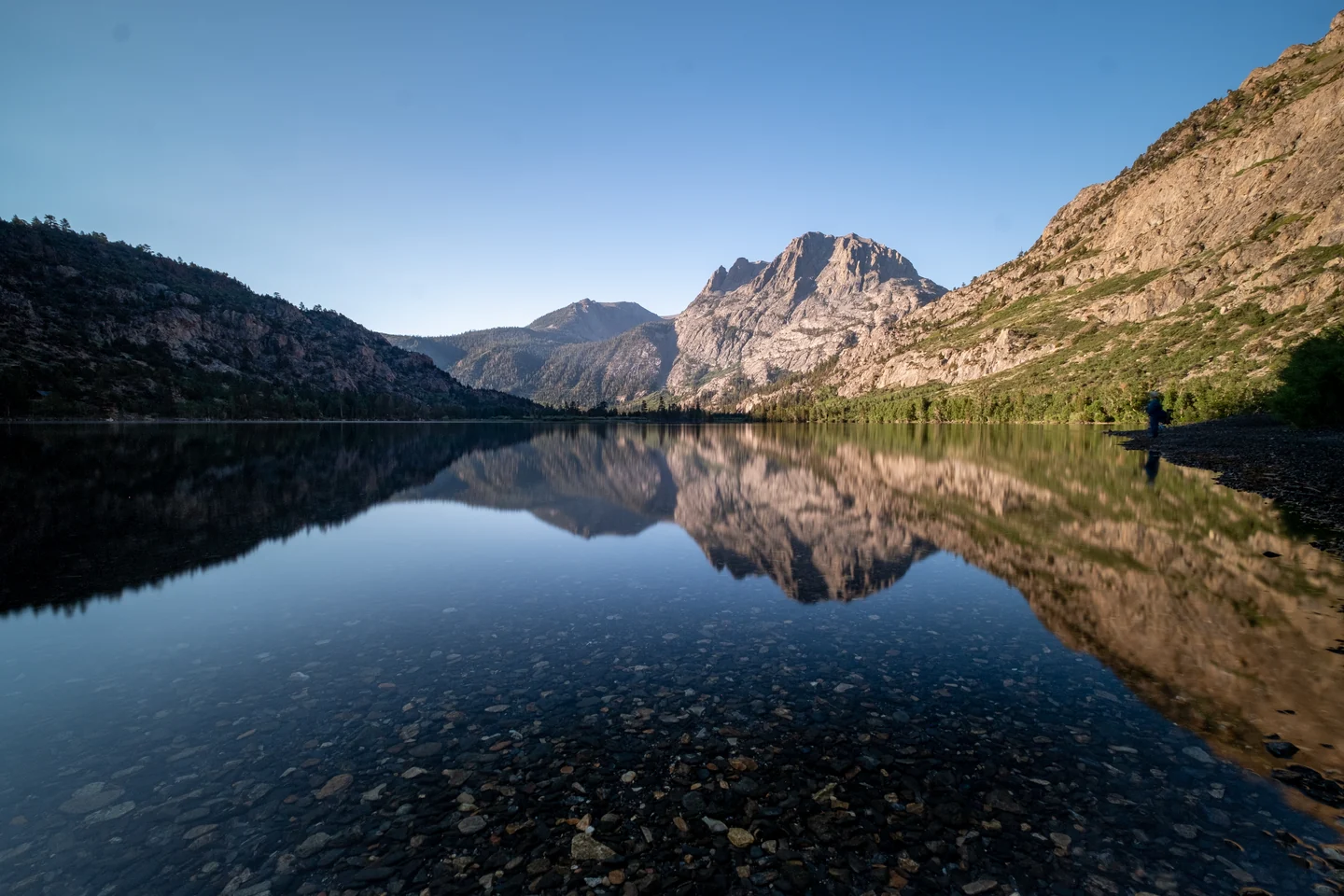
The mountain-lake image is a real 6000 × 4000 photograph by Matt Bango, obtained from StockSnap under CC0 1.0 Universal. The site serves its own local copy. The photographer and platform do not endorse PrintLilt.
This credit is retained even though CC0 does not require attribution. The original license and its limitations remain available through the source links.
The scope stays specific
PrintLilt does not create missing detail by changing a resolution label. It does not provide AI enlargement, scene extension, passport-photo certification, or printer-specific colour proofing. PPI and geometry help you make a decision; inspect the source and a measured print when the result matters.